

Setting up simple eBGP on a Cisco FTD

Setting up simple eBGP on a Cisco FTD

·56 words·1 min
Mike Curtis
Author
Mike Curtis
Maintaining a live technical reference library.

Setting up simple eBGP on a Cisco FTD
#

Start by going to Devices -> Device Management -> The FTD in question and hit edit -> Then Routing Set the AS and Router ID.
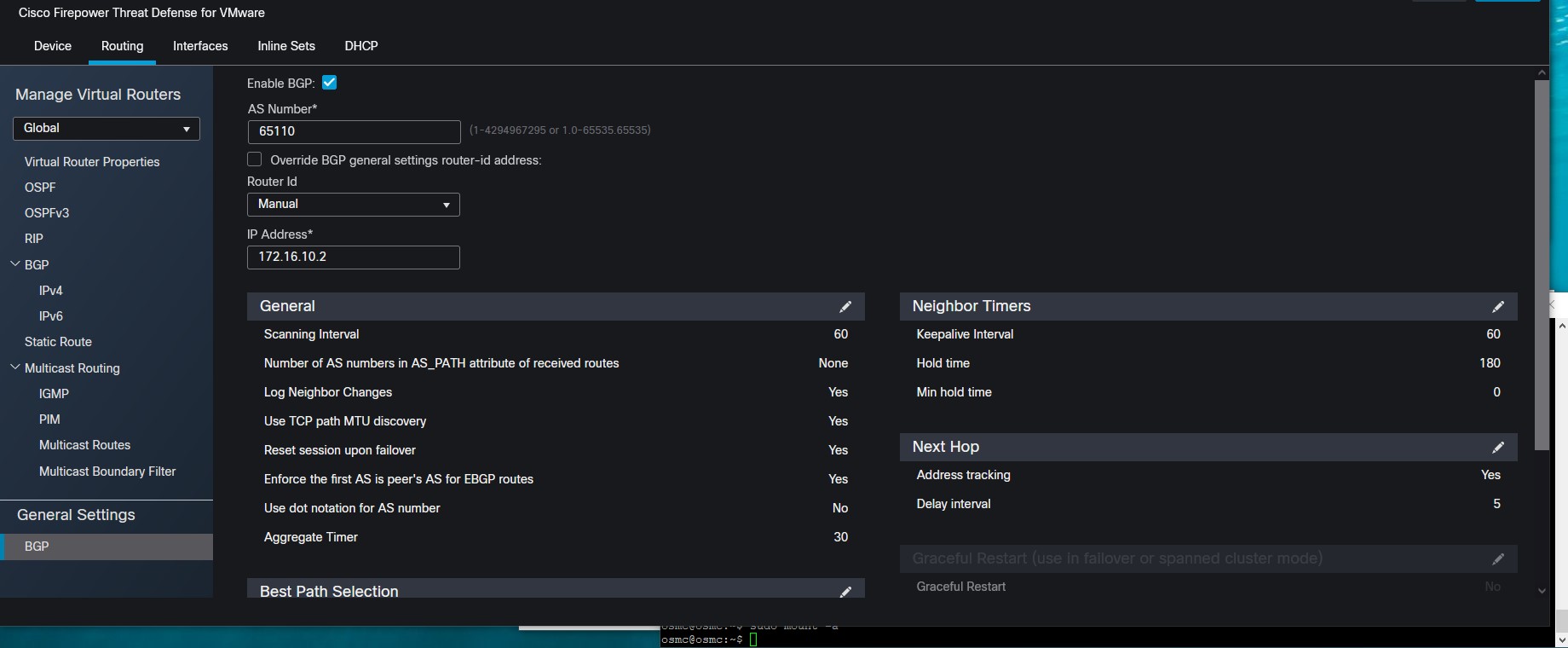
General Settings - BGP

After this you can configure you IPv4 BGP Settings define your neighbor
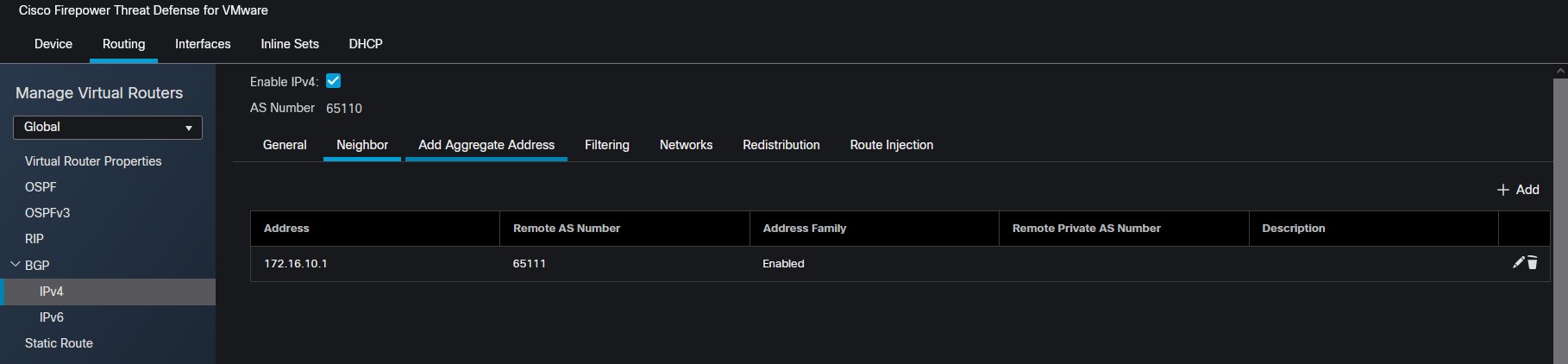
BGP IPv4 Neighbor

Then you can select what networks you want to redistribute
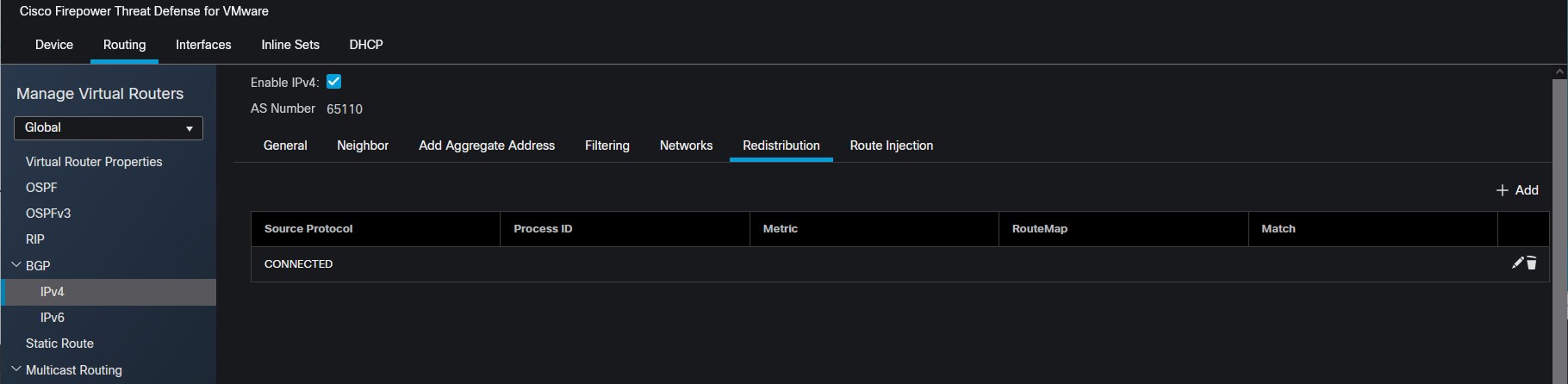
BGP IPv4 Redistribution

Related Reading & Resources
For more information about me, check out my bio.